
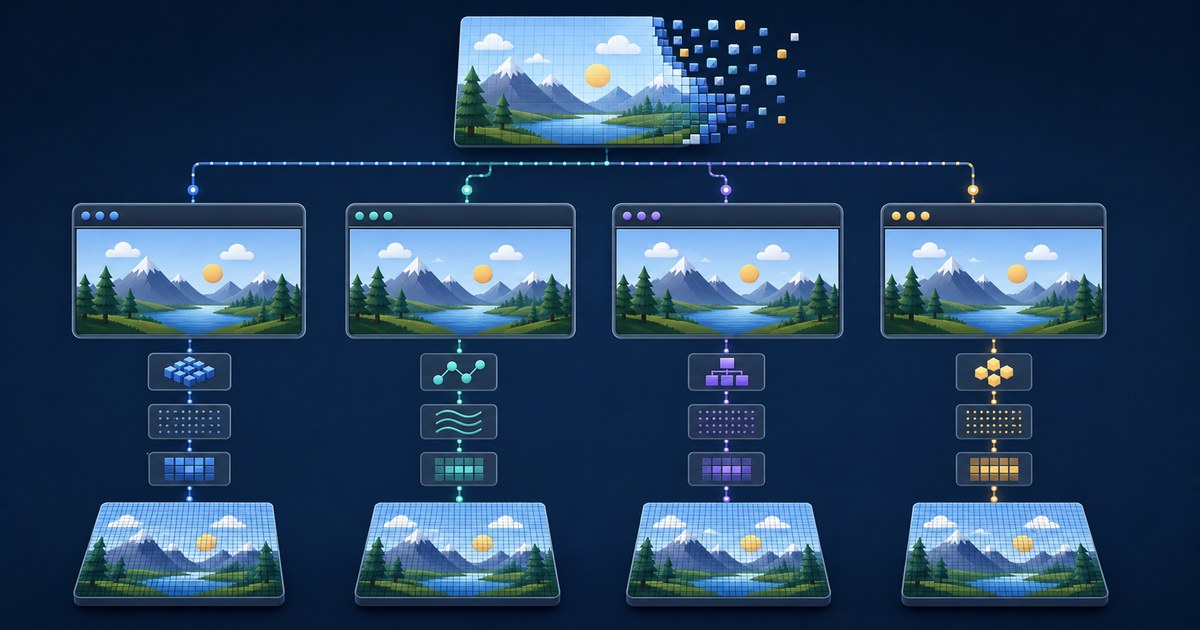

“Does this browser support WebP?” sounds like a yes-or-no question. For a website that only displays a static image, that may be close enough. For an image converter, editor or animation extractor, it is incomplete. Display support, JavaScript decoding, canvas drawing, worker availability, color handling, animation access and output encoding are separate capabilities—and they do not always arrive in the same browser release.
The short version
- Test whether the current browser can decode the actual file; do not infer success only from its extension or user-agent string.
HTMLImageElement.decode()is a dependable starting point for static display/decode checks.createImageBitmap()can create a drawable bitmap from a Blob, but option behavior and performance remain implementation-dependent.- The WebCodecs
ImageDecoderAPI can expose frames, but it is not available in every widely used browser. Feature-detect it. - Canvas PNG export is broadly defined through
toBlob(..., "image/png"); browsers are required to support PNG output. - Native lazy loading is not active when scripting is disabled. The image may load eagerly if it exists in HTML, but JavaScript-inserted media still needs a real fallback.
- A browser-version table cannot justify a Chrome-versus-Safari-versus-Firefox speed ranking. That requires a controlled, current benchmark.
Six layers of browser image support
1. Container and codec recognition
The browser first needs to recognize the container and decode its bitstream. A valid WebP may be lossless, lossy, transparent or animated. A broad “WebP supported” label can hide a failure in a rare feature, a malformed file or a decoder bug.
2. Display through the image pipeline
An image may load in an <img> element, CSS background or <picture> source. HTMLImageElement.decode() returns a promise that resolves when the image is decoded and safe to append to the document; it rejects with an encoding error if decoding fails. This is useful for checking the file the visitor actually selected.
3. Programmable bitmap access
A converter needs more than display. It may create an ImageBitmap, draw pixels to canvas and encode a result. createImageBitmap() accepts Blob and File sources along with several other image objects. Its options include orientation, alpha premultiplication, color-space conversion and resize parameters, but some details are deliberately implementation-specific. The existence of the method does not prove identical output or timing across browsers.
4. Animation and frame access
A browser can display an animated image without exposing every frame through a general JavaScript API. WebCodecs defines ImageDecoder, including isTypeSupported() and frame-indexed decoding, but MDN currently marks this interface as limited availability. All-frame extraction should therefore be capability-detected and offered conditionally, not promised solely because the browser can animate an <img>.
5. Output encoding
HTMLCanvasElement.toBlob() creates an encoded Blob from the canvas. The HTML platform requires support for PNG output and uses PNG when the requested type is absent or unsupported. That makes canvas-to-PNG a broadly portable final step, while JPEG or WebP output options still need feature checks and quality testing.
6. Performance and resource limits
Supported does not mean fast, memory-efficient or identical on every device. Decode time can vary with dimensions, content, animation, browser build, hardware, power state and competing work. A current capability guide should not rank browsers by speed unless it publishes the corpus, devices, versions, warm-ups, repetitions, summary statistic and raw measurements.
Correcting the historical support record
Version histories are useful when debugging older managed devices, but they age quickly and often depend on operating system. The following claims are anchored to the browser vendors’ own release documentation:
| Capability | Documented milestone | Important scope |
|---|---|---|
| Firefox WebP | Firefox 65, released 29 January 2019 | Mozilla’s release notes explicitly state that WebP image support was added. |
| Safari still AVIF | Safari 16 introduced still AVIF on iOS 16; WebKit later documented broader supported macOS versions | Apple platform and OS details matter; do not collapse this into one universal desktop date. |
| Safari animated AVIF | Safari 16.1 | WebKit documents animated AVIF sequences and the supported Apple operating systems. |
| Microsoft Edge AVIF | Edge 121 | Microsoft’s compatibility-impacting changes page says AVIF and AV1 support was added in v121—not v85. |
For a modern production tool, feature detection is more durable than copying this table into application logic. Enterprise users may run extended-support builds, operating-system decoders can differ, and a valid format can still contain features the implementation does not accept.
Test the actual selected image
The following pattern asks the current browser to decode the selected File through its image element pipeline. It records dimensions only after a successful decode and always revokes the temporary object URL.
async function testImageDecode(file) {
  const url = URL.createObjectURL(file);
  const img = new Image();

  try {
    img.src = url;
    await img.decode();
    return {
      ok: true,
      width: img.naturalWidth,
      height: img.naturalHeight,
      declaredType: file.type || "unknown"
    };
  } catch (error) {
    return {
      ok: false,
      errorName: error?.name || "DecodeError"
    };
  } finally {
    URL.revokeObjectURL(url);
  }
}
This test is intentionally narrow. A success proves that this browser decoded this file through the image-element path. It does not prove that metadata was preserved, that every animation frame is accessible, that canvas export will preserve a color profile, or that a different file with the same extension will work.
Detect all-frame decoding separately
Do not show an “export every frame” control simply because <img> can play the animation. Check both the API and its declared MIME support:
async function canUseWebPImageDecoder() {
  if (!("ImageDecoder" in window)) return false;

  try {
    return await ImageDecoder.isTypeSupported("image/webp");
  } catch {
    return false;
  }
}
Even a true result is a preflight, not proof that every input is valid. Production code still needs to handle constructor, decode, frame-range and memory errors. Close decoded frame resources after use, cap work, and report a clear fallback rather than silently returning the wrong frame set.
Static conversion and animated conversion are different promises
On WEBP to PNG Tools, visitors can select up to 20 WebP files per batch, with a maximum of 50 MB per file. Conversion runs locally in the browser; selected image data is not posted to a conversion server. Ordinary site, analytics and advertising requests remain a separate matter described by the site policies.
For animated WebP, the standard conversion exports the first frame. If the current browser exposes the required frame-decoding capability, the tool can export all frames as PNG files in a ZIP archive. A browser that lacks the all-frame path can still support the first-frame conversion. The interface and documentation should keep those outcomes distinct.
Lazy loading when JavaScript is disabled
The HTML Standard defines native lazy loading so that an element does not “will lazy load” when scripting is disabled. This is an anti-tracking measure. If an image is present in the HTML with loading="lazy", it can still load—but the browser treats it eagerly rather than applying the lazy behavior.
That is not the same as saying a JavaScript-dependent gallery works without JavaScript. If the script creates the image element, resolves its URL or renders the results, disabling the script can leave no image to fetch. Provide meaningful server-rendered markup or a <noscript> alternative for essential content. For a converter whose core operation requires browser scripting, state that requirement plainly instead of implying that native lazy loading supplies an application fallback.
Use <picture> for delivery fallbacks
For content images, <picture> lets authors offer several encodings while retaining a widely compatible <img> fallback. The browser evaluates the declared source types and selects a candidate it supports.
<picture>
  <source srcset="hero.avif" type="image/avif">
  <source srcset="hero.webp" type="image/webp">
  <img src="hero.jpg" width="1200" height="675"
       alt="WebP to PNG conversion interface">
</picture>
This pattern is for serving known assets. A user-selected file converter still needs runtime validation because its inputs are not controlled by the publisher.
Orientation, color and transparency are compatibility too
A decoder can return an image that looks plausible while still differing in orientation, color interpretation or alpha handling from another pipeline. createImageBitmap() exposes options such as imageOrientation, premultiplyAlpha and colorSpaceConversion. Its default color-space conversion behavior is implementation-specific. Tests should therefore compare decoded pixels or rendered reference patches when exact behavior matters rather than treating “no exception” as full fidelity.
- Include an orientation fixture whose encoded orientation differs from its stored pixel order.
- Include hard and soft transparency, then compare alpha separately from visible color.
- Record whether color-profile metadata exists and whether the test evaluates appearance, decoded bytes or metadata preservation.
- Composite transparent output onto a documented background when comparing visible RGB values.
- Test a malformed or truncated file to confirm that failure is reported rather than silently producing a blank output.
PNG export cannot recreate information that was discarded when a lossy WebP was encoded. A pixel-identical comparison between decoded WebP and decoded PNG can verify the conversion stage while the WebP still differs from the original source. Our benchmark reports those two fidelity questions separately for this reason.
Why user-agent sniffing is fragile
Routing a feature by browser name or version creates unnecessary failure modes. Browsers can share engines, embed web views, run enterprise policies or expose different capabilities on different operating systems. A version rule also has to be maintained forever. Detect the API, test the declared MIME type where an API supplies that check, and still catch errors from the actual file.
Version information remains valuable in a bug report. Record it after a failure so the issue can be reproduced; do not use it as the only gate before the operation begins.
A browser test matrix worth publishing
If publishing original compatibility data, record one row per browser build, operating system and fixture. A useful matrix includes:
- browser name and exact version;
- operating system and version;
- fixture file name, SHA-256, dimensions, mode and frame count;
img.decode()success or error;createImageBitmap()success or error;- canvas PNG export success and decoded pixel comparison;
ImageDecoder.isTypeSupported("image/webp")result;- first-frame and all-frame output counts;
- raw timing repetitions if performance is measured.
Our 2026 benchmark package provides deterministic static fixtures and checksums that can seed such a test. Its published timing results cannot fill the browser matrix: they describe a Pillow/libwebp reference pipeline on one Windows environment and explicitly exclude the browser, page, network and user interface. No browser-speed conclusion should be imported from it.
Practical compatibility rules
- Validate the real file, not only its extension or MIME declaration.
- Separate static display, bitmap access, frame access and output encoding in both code and copy.
- Use feature detection for optional APIs; keep error handling for corrupt or unsupported inputs.
- Keep first-frame conversion available when all-frame extraction is not.
- Release object URLs, ImageBitmaps and decoded frames when finished.
- Use responsive
<picture>fallbacks for publisher-controlled images. - Never attach a speed ranking to support documentation without a current reproducible benchmark.
Methodology and limitations
This article was rebuilt on 13 August 2026 from vendor release notes, the HTML Standard and current MDN API references. Historical milestones are included only where a vendor source states them. Because browser support continues to change, runtime capability checks remain the recommended product behavior. Code samples demonstrate a verification boundary; they are not a full secure decoder, animation compositor or cross-browser test suite. No Chrome, Edge, Firefox or Safari performance order is claimed.
Sources and verification ledger
- MDN: HTMLImageElement.decode() — promise behavior, success boundary and decode errors.
- MDN: createImageBitmap() — supported sources and bitmap options.
- MDN: ImageDecoder — frame-decoding API and limited-availability status.
- MDN: canvas toBlob() — required PNG output behavior.
- WHATWG HTML: lazy-loading attributes — lazy loading is disabled when scripting is disabled.
- Mozilla: Firefox 65 release notes — WebP support milestone.
- WebKit: Safari 16.0 features — still AVIF support on iOS 16 and platform scope.
- WebKit: Safari 16.1 features — animated AVIF support.
- WebKit: Safari 16.4 features — broader macOS AVIF support.
- Microsoft Edge: site compatibility-impacting changes — AVIF and AV1 added in Edge 121.